


Description
Download For Kuaishou Video Maker Edit – video editor, beginner-friendly, Kuaishou, mobile editing, APK, free video tool
Overview
For Kuaishou Video Maker Edit is a free multimedia application designed to empower users with a straightforward platform for video creation and editing. The software targets beginners and casual content creators who are exploring video editing for the first time. Its primary purpose is to simplify the editing process by offering intuitive tools and ready-made templates, making it easier to produce polished video content without prior experience. The app is especially suited for users who may find more advanced tools like Adobe Premiere Rush overwhelming or difficult to navigate.
Real-world usage scenarios include creating short-form videos for social media platforms such as Kuaishou, TikTok, or Instagram. Users can compile clips, apply effects, add music, and generate subtitles—all within a single interface. The app supports various aspect ratios and frame rates, allowing for content optimization across different platforms. While the developer did not provide additional details about the company or its background, the software’s focus on accessibility and creativity suggests a strong alignment with the needs of emerging digital creators.
Key Features & Capabilities
- Beginner-Friendly Interface – The layout is designed for ease of use, minimizing the learning curve for new users. Navigation is simplified, with essential tools grouped logically for quick access.
- Custom Video Creation – Users can build videos from scratch by combining multiple clips, trimming scenes, and adjusting timing to fit their vision.
- Ready-Made Templates – A selection of pre-designed templates allows users to jumpstart their projects with professionally styled layouts, saving time and effort.
- Effect Presets – Built-in visual effects can be applied with a single tap, helping users achieve a consistent and cohesive look across their video outputs.
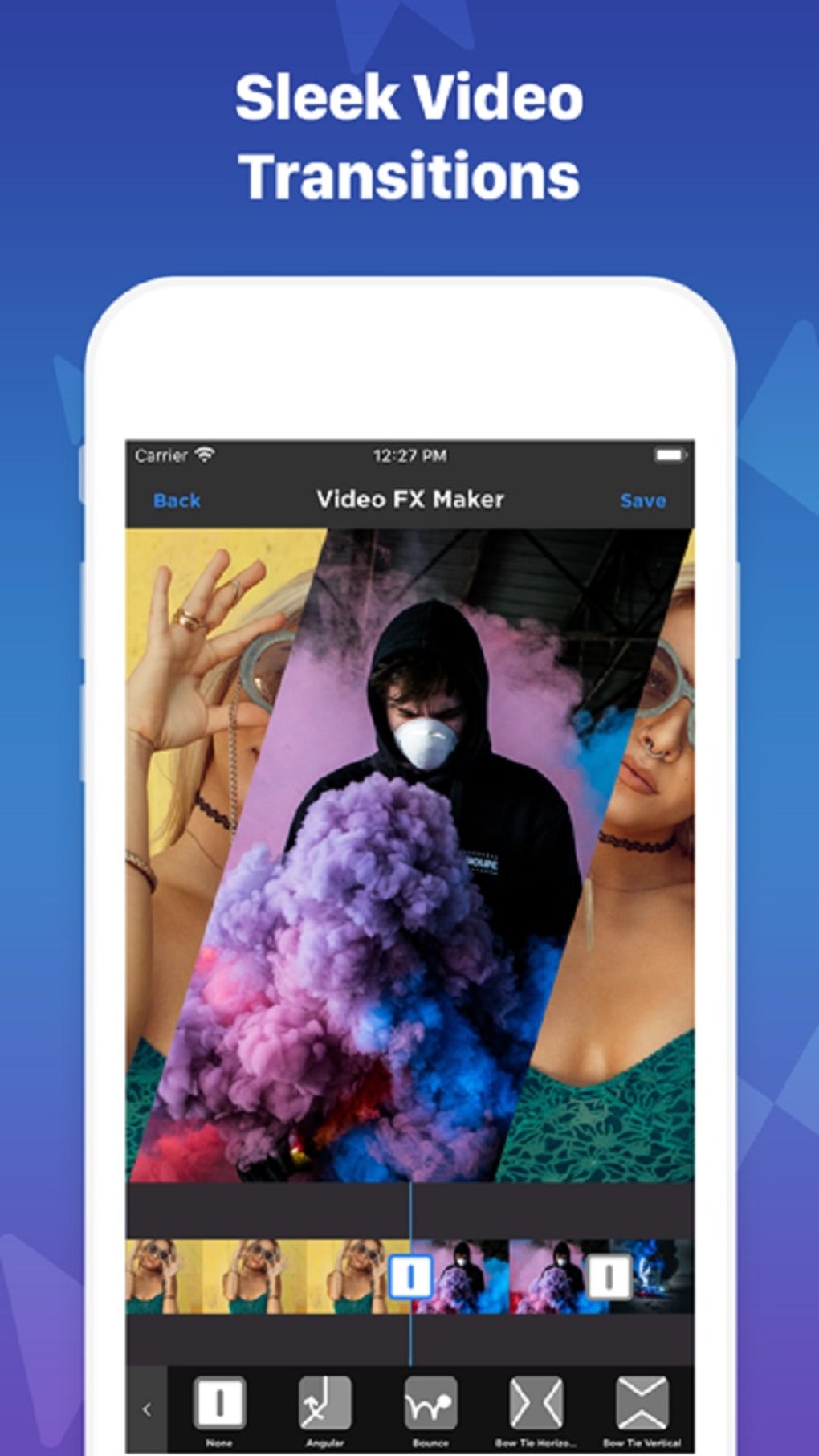
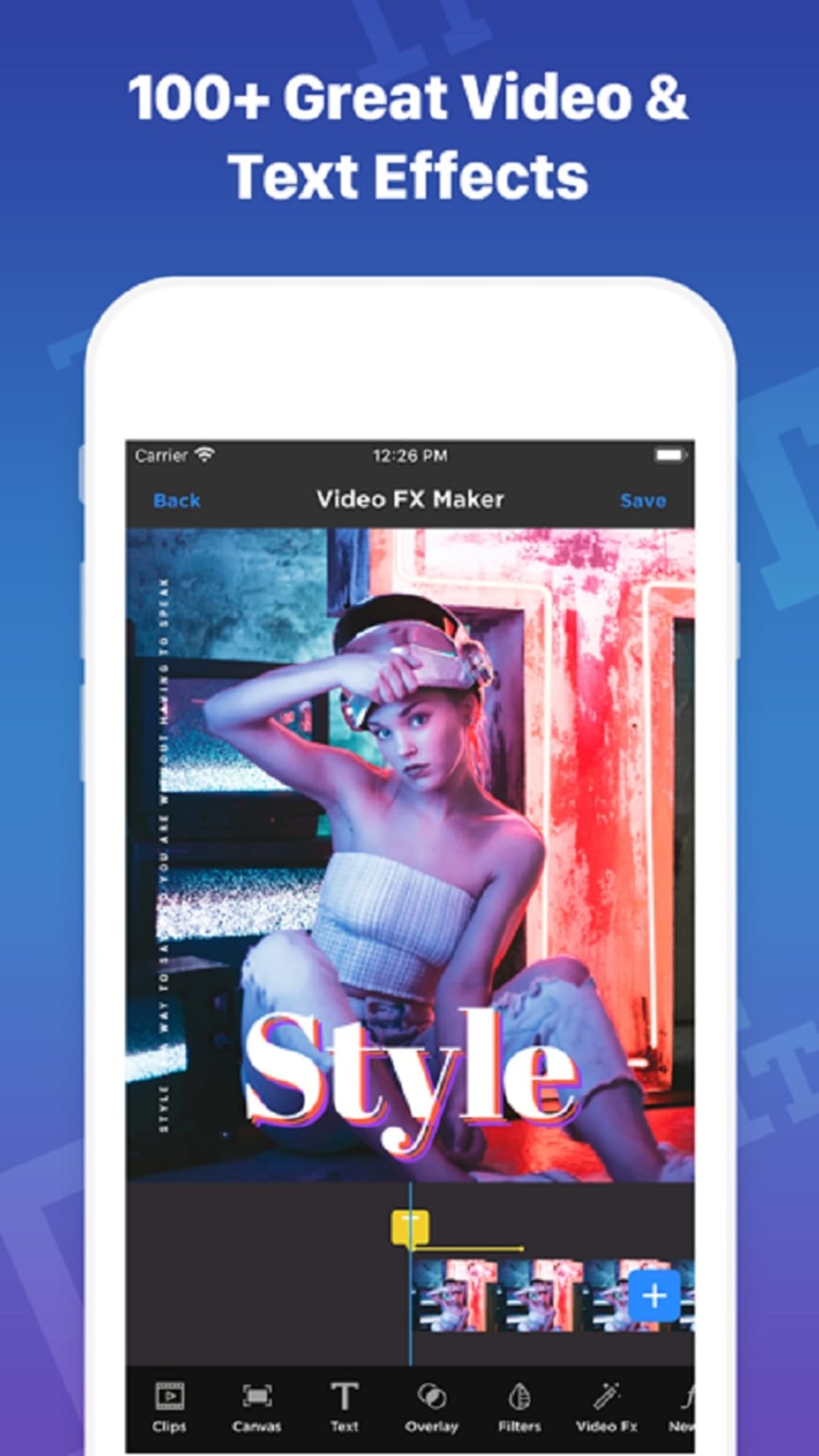
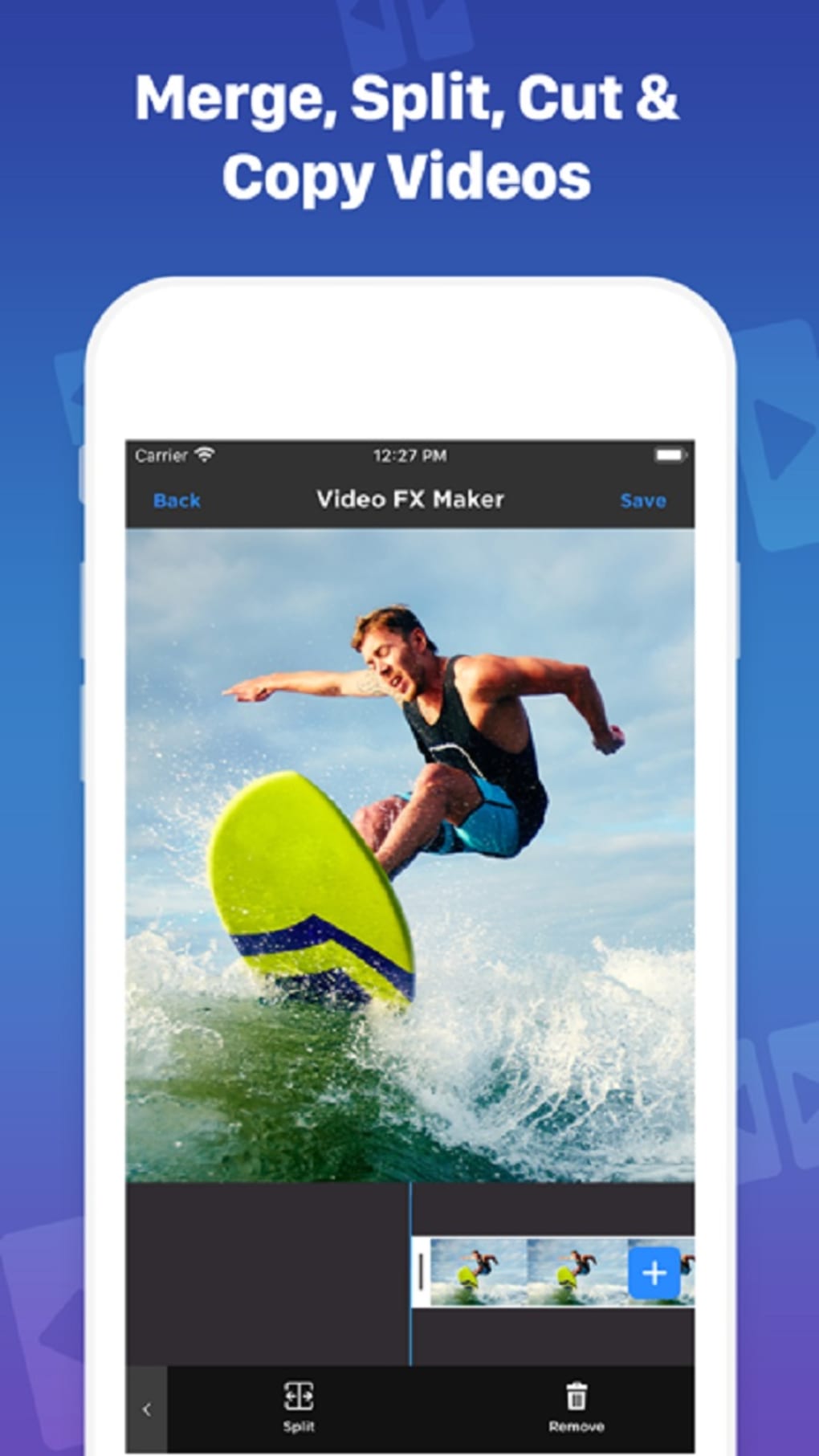
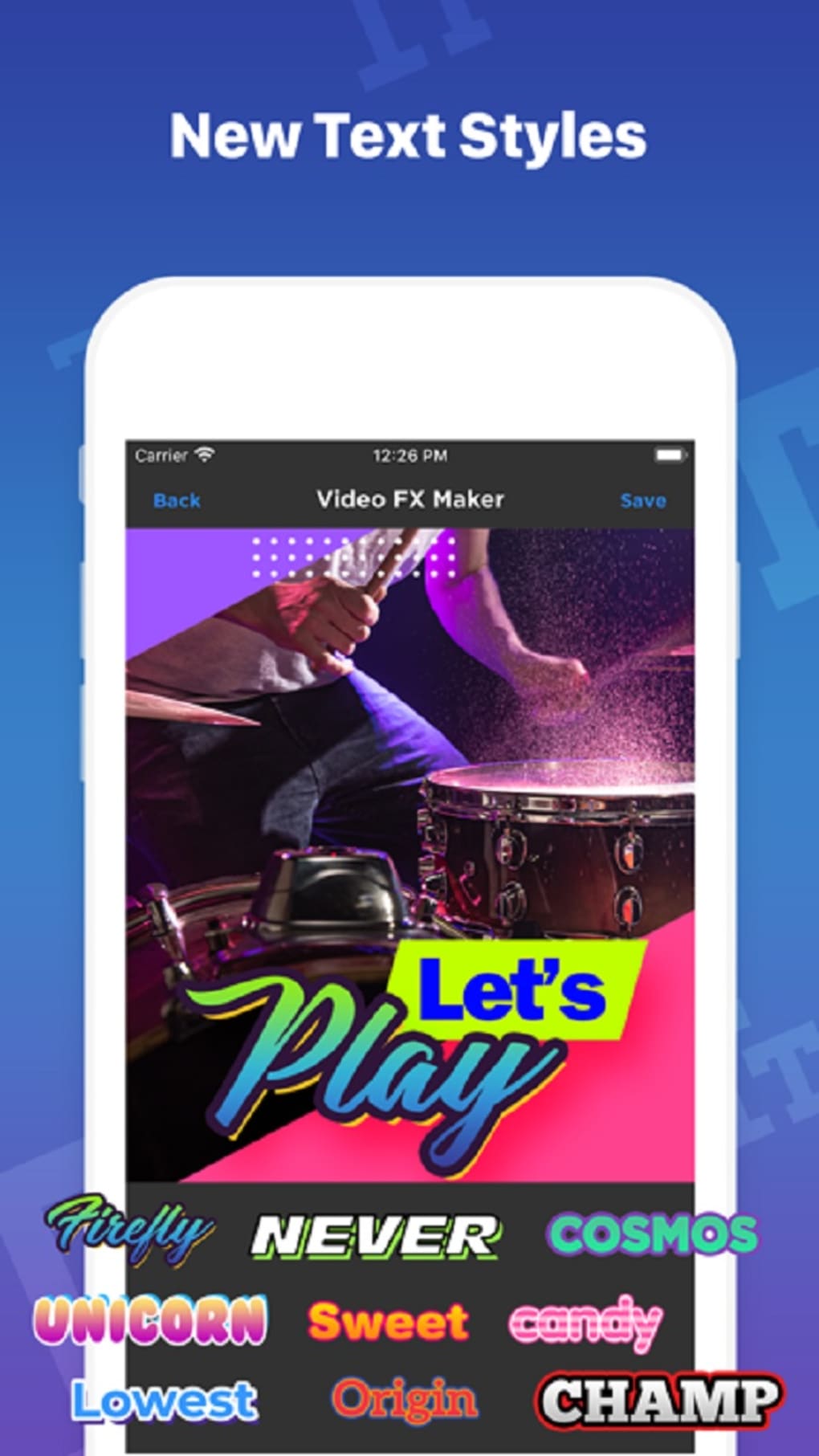
- Editing Tools – Core functionalities include video trimming, scene cutting, transition effects, text overlays, image integration, and subtitle generation.
- Aspect Ratio & Frame Rate Support – The app accommodates multiple formats, enabling users to tailor their videos for different platforms and viewing environments.
These features are particularly useful for social media creators who need to produce content quickly and efficiently. For example, a user can select a template, insert their footage, apply a preset effect, and export a finished video in under ten minutes. The inclusion of presets and templates streamlines the workflow, making it ideal for those with limited time or editing experience.
User Interface, Workflow & Performance
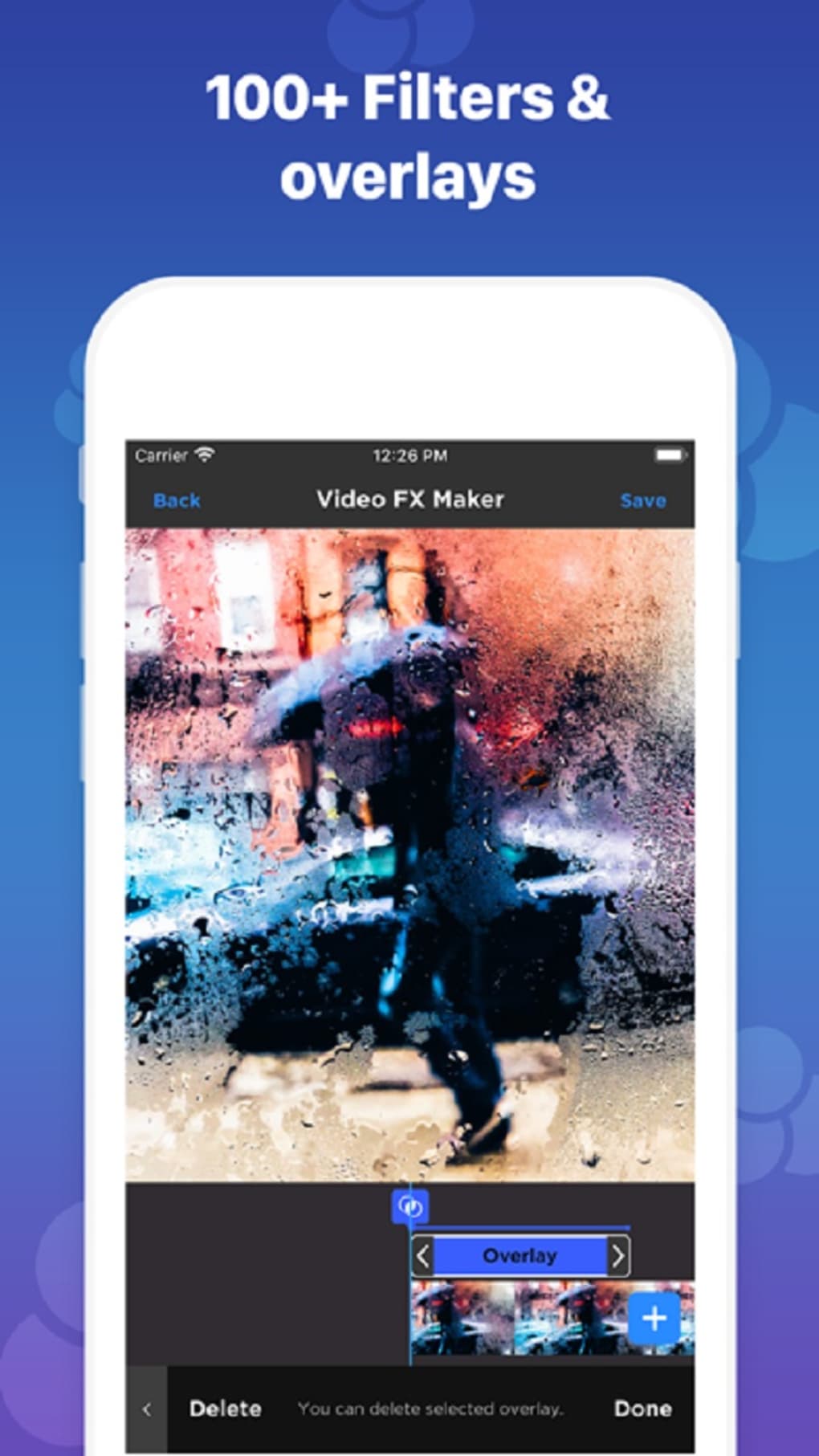
The user interface follows a clean, card-based layout with toolbars positioned at the bottom for easy access on mobile screens. Navigation is linear and predictable, with clear icons and labels that guide users through each editing stage. The timeline view allows for visual management of clips, transitions, and overlays, enabling precise control over the sequence and timing of elements.
Workflow efficiency is enhanced by the app’s drag-and-drop functionality and one-tap application of effects and templates. However, exact performance details were not specified. The developer did not provide information on CPU or RAM usage, nor did they share data on processing speed during export. Performance observations are based on general software behavior patterns. Stability during extended editing sessions remains unclear, and there is no indication of crash frequency or background processing behavior.
Compatibility & System Requirements
For Kuaishou Video Maker Edit is designed for Android devices. The software is available as an APK file with a total installation size of 45.6 MB. The supported OS version is not explicitly listed, but the app is compatible with modern Android smartphones and tablets. The developer did not specify minimum hardware requirements such as RAM, processor speed, or storage space.
Compatibility information was partially provided. Users should ensure their device runs a recent version of Android to avoid installation issues. The app does not require a Google Play account, as it is distributed directly via APK, which may appeal to users seeking offline or alternative app distribution methods.
Pros and Cons
Pros
- Free to download and use with no in-app purchase prompts
- Simple interface ideal for beginners and non-technical users
- Wide selection of ready-made templates for quick video creation
- Supports multiple aspect ratios and frame rates for platform-specific optimization
- Includes effect presets for consistent visual styling
Cons
- Effect adjustment tools lack fine-tuning options, limiting creative control
- Transitions may appear clunky in final output
- Export times can be lengthy, especially for high-quality or longer videos
- Limited information on system requirements and performance metrics
- No mention of cloud sync or project backup features
FAQ Section
Is For Kuaishou Video Maker Edit available for iOS devices?
The app is currently only available for Android. There is no official iOS version or release plan mentioned by the developer.
Is the APK file safe to download?
As with any third-party APK, users should ensure the source is trustworthy. The developer did not provide a digital signature or verification method, so caution is advised when downloading from unofficial websites.
Does the app require an internet connection?
The app can be used offline after installation. However, some features like template downloads or effect updates may require an internet connection.
How often are updates released?
The developer did not specify a release schedule for updates. The latest version available is 1.2.0, released on May 10, 2024.
Can I export videos in 4K resolution?
There is no information provided about maximum export resolution. The app supports various frame rates and aspect ratios, but the highest output quality remains unspecified.
Final Thoughts + CTA
For Kuaishou Video Maker Edit delivers a promising entry point for beginners entering the world of video editing. Its emphasis on simplicity, combined with a robust set of tools and templates, makes it a compelling choice for users who prioritize ease of use over advanced functionality. While the app shows potential, it still lacks refinement in key areas such as effect customization and export speed. Nonetheless, it remains a solid tool for casual creators and social media content producers looking to produce engaging videos quickly.
Download For Kuaishou Video Maker Edit now to start creating your own content with confidence.
Guides & Tutorials for For Kuaishou Video Maker Edit APK
How to install For Kuaishou Video Maker Edit APK
- Click the Preview / Download button above.
- Once redirected, accept the terms and click Install.
- Wait for the For Kuaishou Video Maker Edit APK download to finish on your device.
How to use For Kuaishou Video Maker Edit APK
This software is primarily used for its core features described above. Open the app after installation to explore its capabilities.
User Reviews for For Kuaishou Video Maker Edit APK 0
No reviews found





